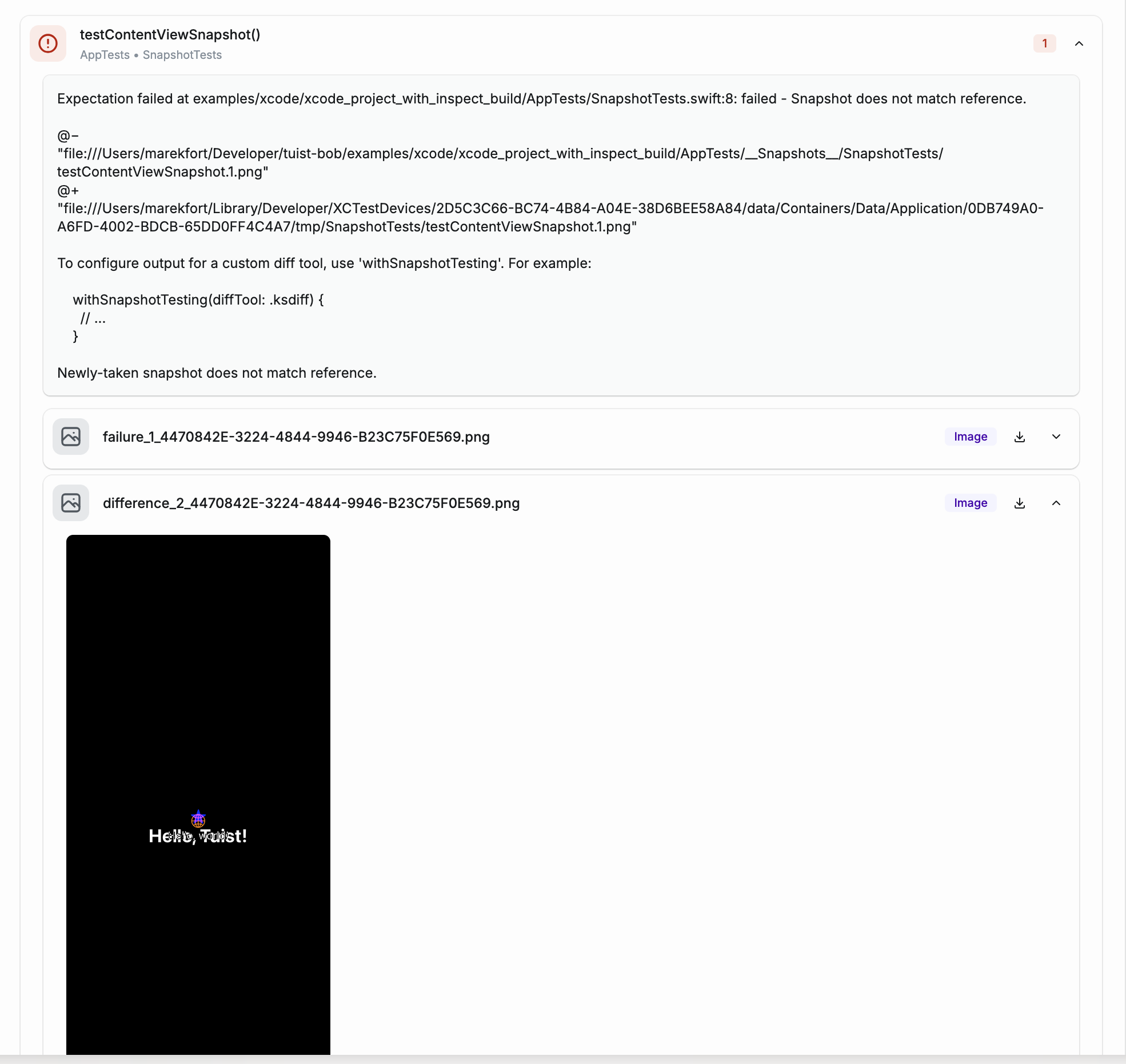
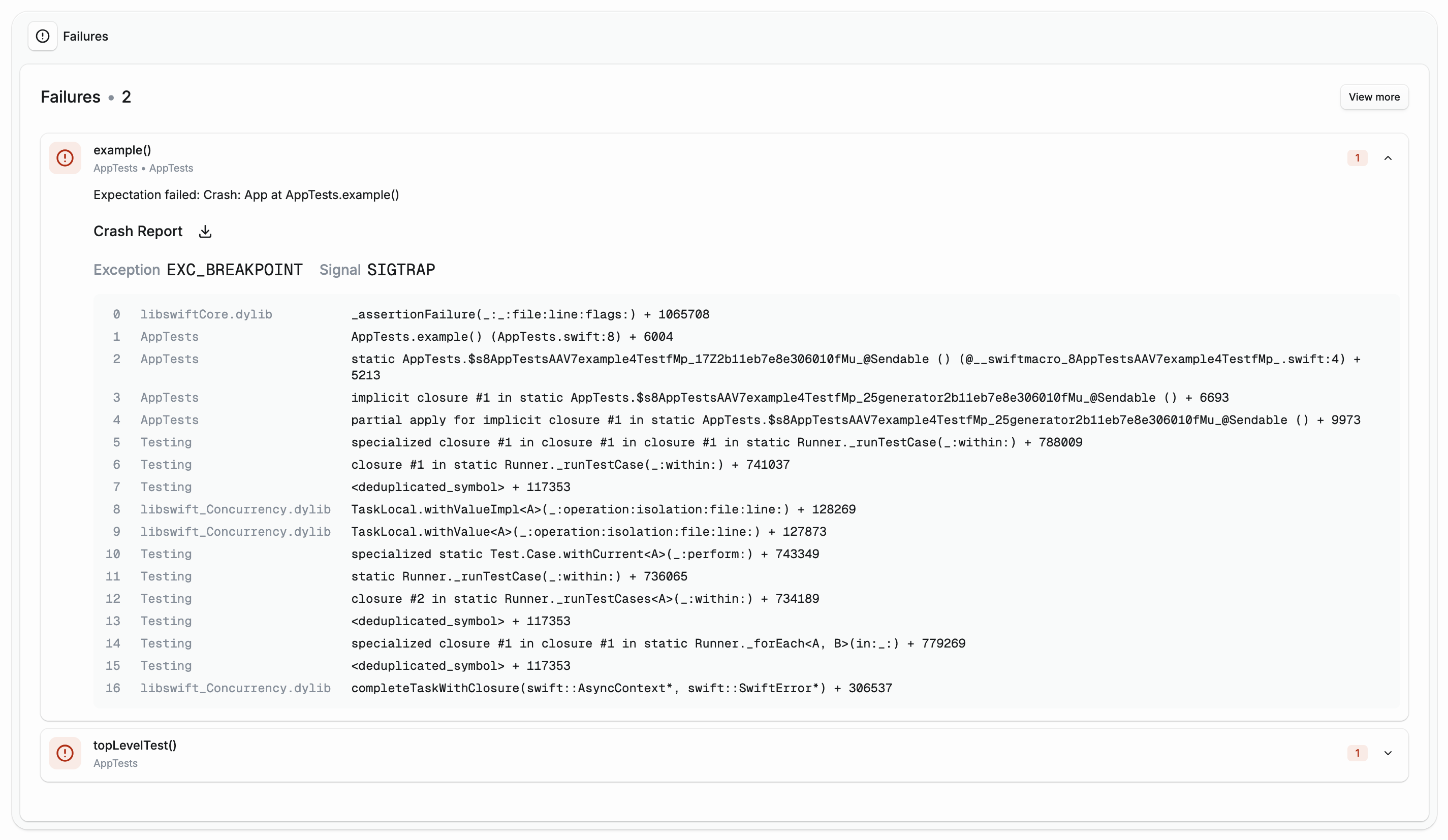
When a test crashes (e.g. force-unwrap of nil), Tuist now extracts the crash log from the xcresult bundle, parses it, and surfaces the stack trace directly in the test run dashboard. Each failure card shows the exception type, signal, and formatted crash thread frames so you can diagnose crashes without leaving your browser. The full .ips crash log is also available for download.
Additionally, the crash report is available in the CLI (tuist test case show <test-case-run-id>), which makes the crash report available to agents when for example fixing flaky tests.
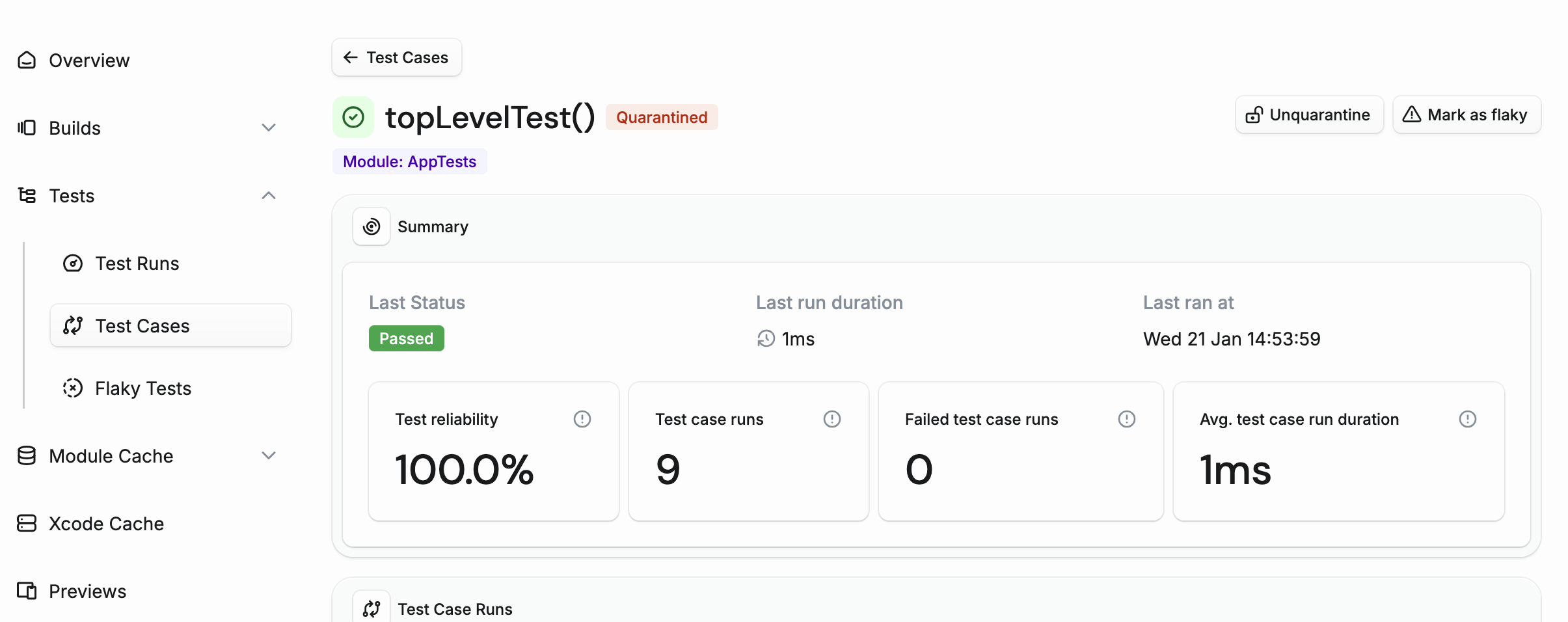
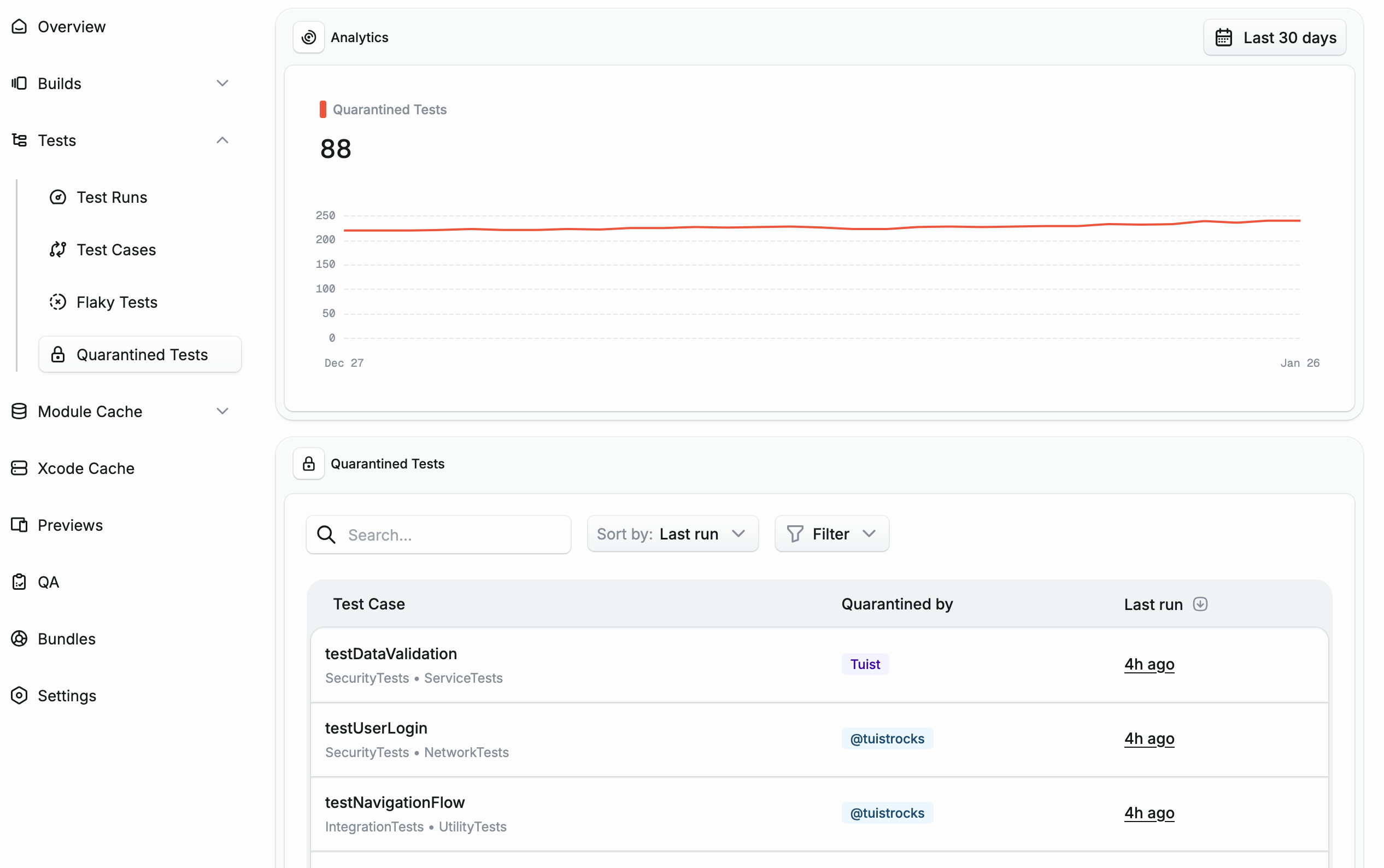
View all quarantined tests in your project at a glance. The new page shows analytics tracking the number of quarantined tests over time, and a searchable table with filtering options.
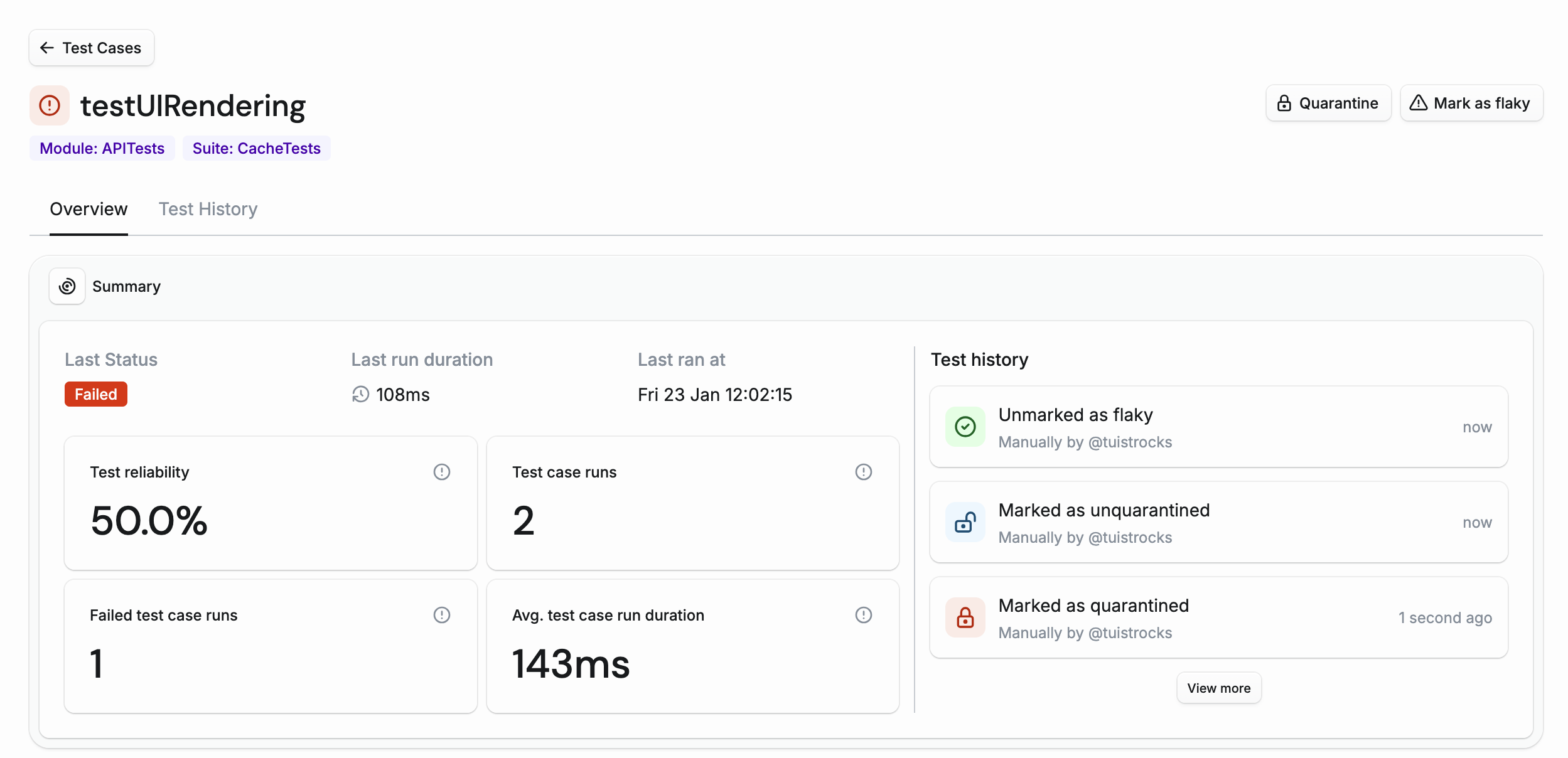
Track the complete history of state changes for each test case. The new Test History tab shows a timeline of events including when a test was first seen, when it was marked or unmarked as flaky, and when it was quarantined or unquarantined. Each event shows who made the change - whether it was done manually by a team member or automatically by Tuist.