Slack alert rules
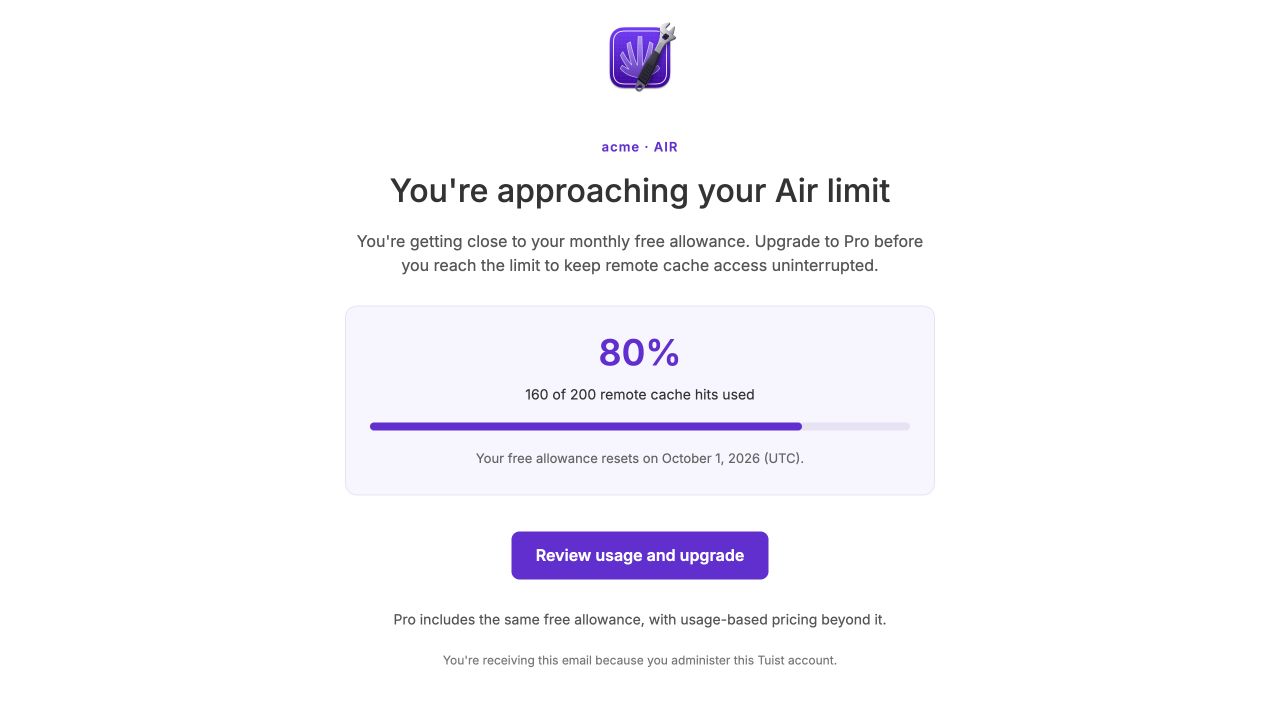
Catch slower builds, cache degradation, or test slowdowns as soon as possible, minimizing the impact to your team's productivity. Alert rules proactively notify you via Slack when key metrics significantly regress.
Stay on top of your project's build health with scheduled Slack reports. Get daily summaries delivered directly to your Slack channel with key metrics including build duration, test duration, cache hit rate, selective test effectiveness, and bundle size - all with trend indicators showing how your metrics compare to the previous period.
All analytical date ranges have been replaced with a date picker that lets you select the time range for your data instead of just last 7 days, last 30 days, or last 12 months. Choose from quick presets or define a custom date range using the calendar.
We're introducing two new features to make managing and distributing previews even better.
You can now organize your previews into named tracks like beta, nightly, or internal:
Tracks make it easy to group previews by purpose and filter them in the dashboard.
The new Tuist SDK enables your app to detect when a newer preview version is available and notify users - keeping testers on the latest build.
The SDK checks for updates within the same preview track. When you share with --track beta, the SDK notifies about newer builds on that track. Update checking is automatically disabled on simulators and App Store builds.
See the Previews documentation for more details.
You can now authenticate with Tuist in CI environments using OpenID Connect (OIDC) tokens. This eliminates the need to manage long-lived secrets - just connect your GitHub repository to your Tuist project and run tuist auth login in your CI workflow.
OIDC authentication is currently supported on GitHub Actions, CircleCI, and Bitrise. See the CI integration documentation for setup instructions.
You can now create fine-grained account tokens with specific scopes and project access. Unlike project tokens, account tokens let you control exactly which operations the token can perform and which projects it can access.
Account tokens support various scopes covering cache, previews, builds, tests, bundles, registry, and account management. You can also set expiration dates and restrict tokens to specific projects within an account.
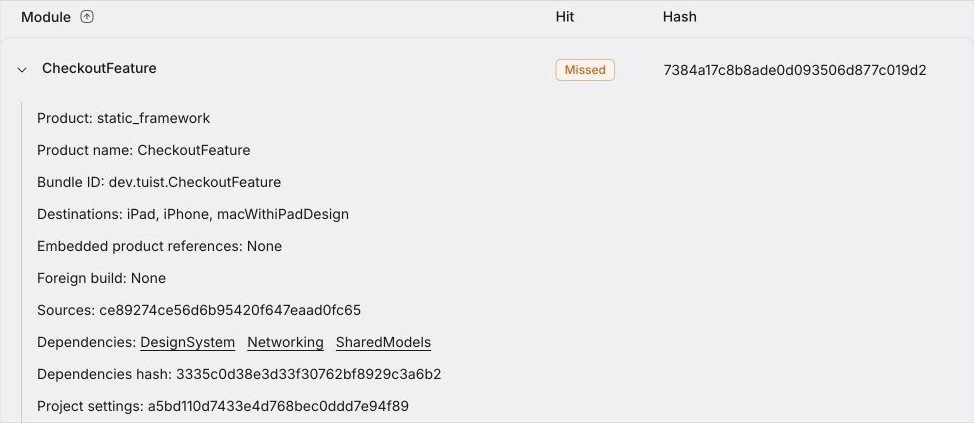
In details of generate and cache runs, you can now expand each module to see its subhashes and metadata, which is especially useful when debugging inconsisten hashes across environments.
When signing up, you can now choose your username instead of the username being generated for you:
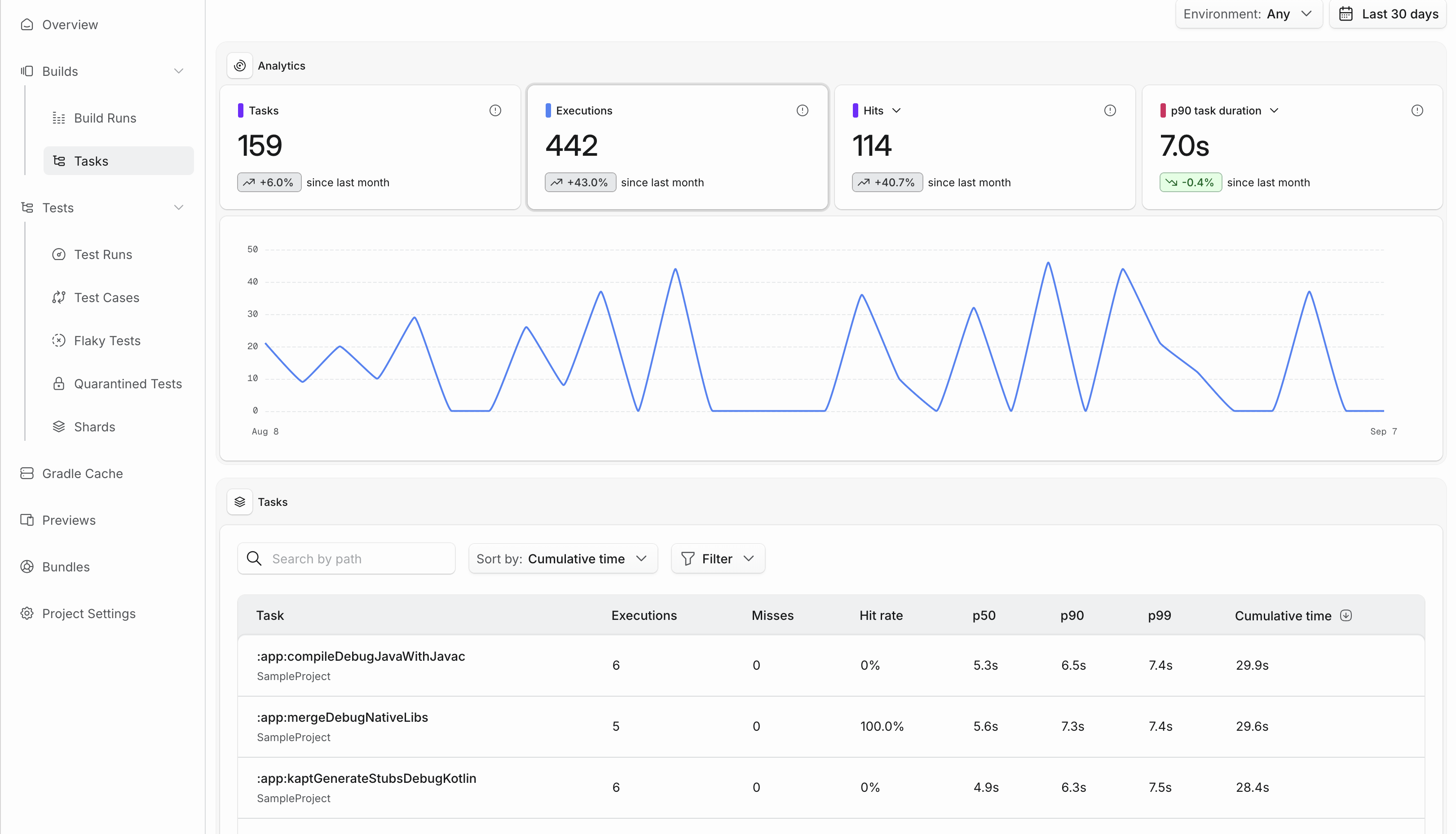
The dashboard now includes a new "Tests" page that shows a summary of your tests – such as your average test duration, recent test runs, or your slowest test cases.
We're adding a new "Test Cases" page that shows a summary of your test cases, including your individual slowest test cases. Additionally, you can see a history of runs for each individual test case in the test case detail page.