Cache volumes keep the Xcode, module and Gradle caches, plus any directories you choose, between jobs on Tuist runners. Until now, GitLab CI and Buildkite saved changes only from the default branch, so feature work never refreshed the cache other jobs start from.
GitLab CI and Buildkite now follow the same rules as GitHub Actions. Successful jobs from your own project save their changes on every branch:
- GitLab CI: push, schedule and web pipelines.
- Buildkite: webhook and schedule builds, including pull requests from the pipeline's repository.
Fork pull requests and fork merge requests never save. Tags never save either.
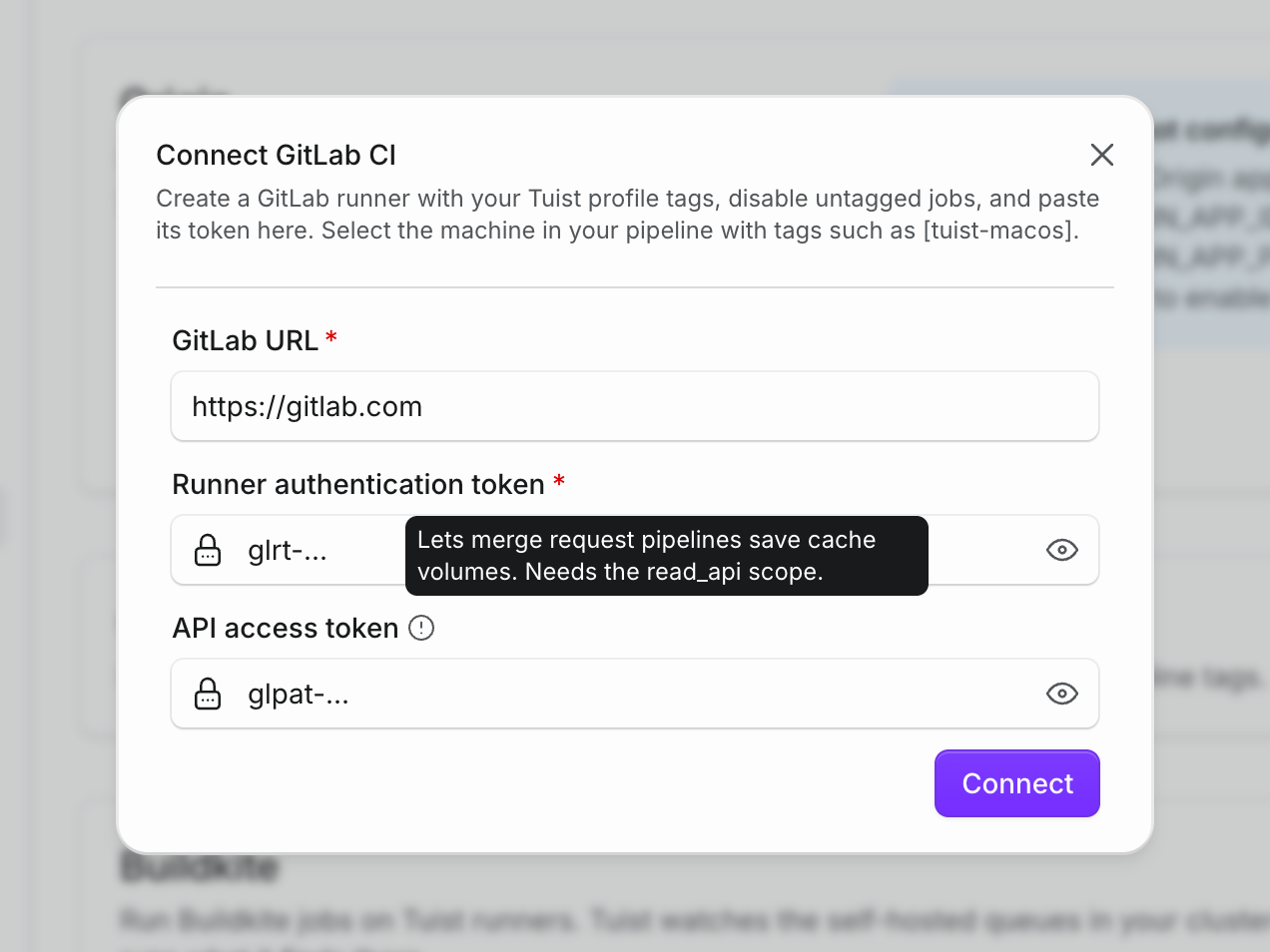
On GitLab, merge request pipelines can save too. Create a project or group access token with the read_api scope and add it as the API access token on the GitLab CI connection in Settings → Integrations. Tuist uses it to check where each merge request comes from. Pipelines of merge requests opened from a branch of your project save under that branch. Without a token, merge request pipelines still use the cache but discard their changes.
To save only from some branches, turn on Limit to specific branches on the runner profile your jobs use. That setting now applies to GitLab CI and Buildkite as well. See the cache volumes guide and the GitLab CI guide for details.