Every CI job runs on a fresh virtual machine, so actions/checkout clones your repository from scratch each time, Git LFS files included. On a large repository with LFS, that step alone can take minutes.
With cached checkouts, each runner host keeps your repository checked out on a cache volume named checkout. A macOS job starts with that copy mounted at its workspace, and the standard actions/checkout action finds the repository already there: it fetches only the commits and LFS files that changed, and rewrites only the files that differ. In our tests, checking out a repository with 2,000 LFS files went from about 65 seconds to under 10, mounting included.
Your workflows don't change. The runner host builds the cached copy from the checkouts your own jobs already do, verifies everything it takes from them, and never needs extra GitHub permissions. Pull requests start from the cached copy too, while only jobs on your default branch move it forward. The first job of a repository on each host checks out as before.
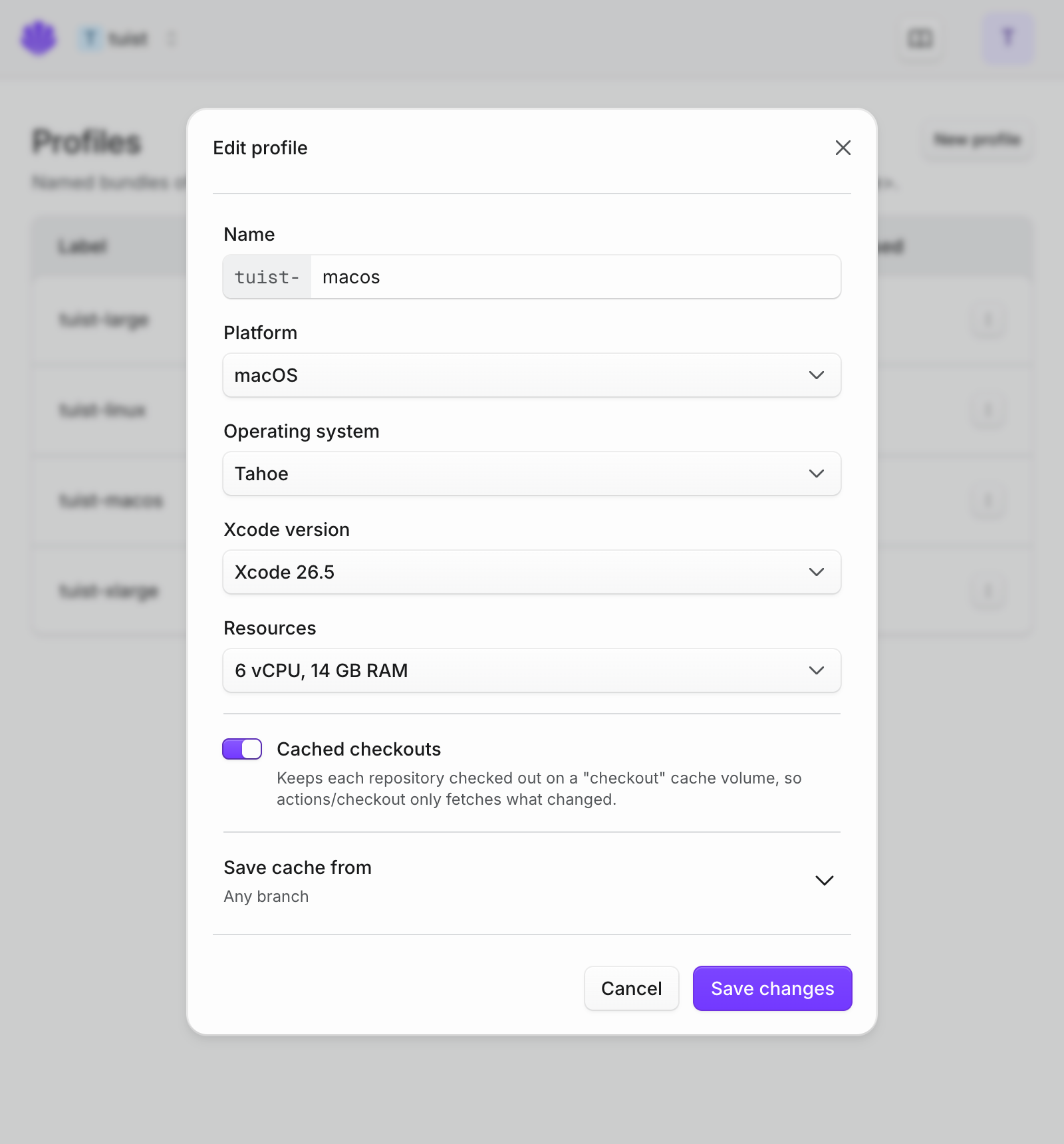
Cached checkouts work with GitHub Actions on macOS profiles and the default workspace path. They are on by default; to turn them off, open Runners → Profiles, edit the macOS profile your workflows use in runs-on:, and turn off Cached checkouts. The checkout volume appears next to your other volumes under Runners → Volumes, where clearing it rebuilds the copy from your next jobs.